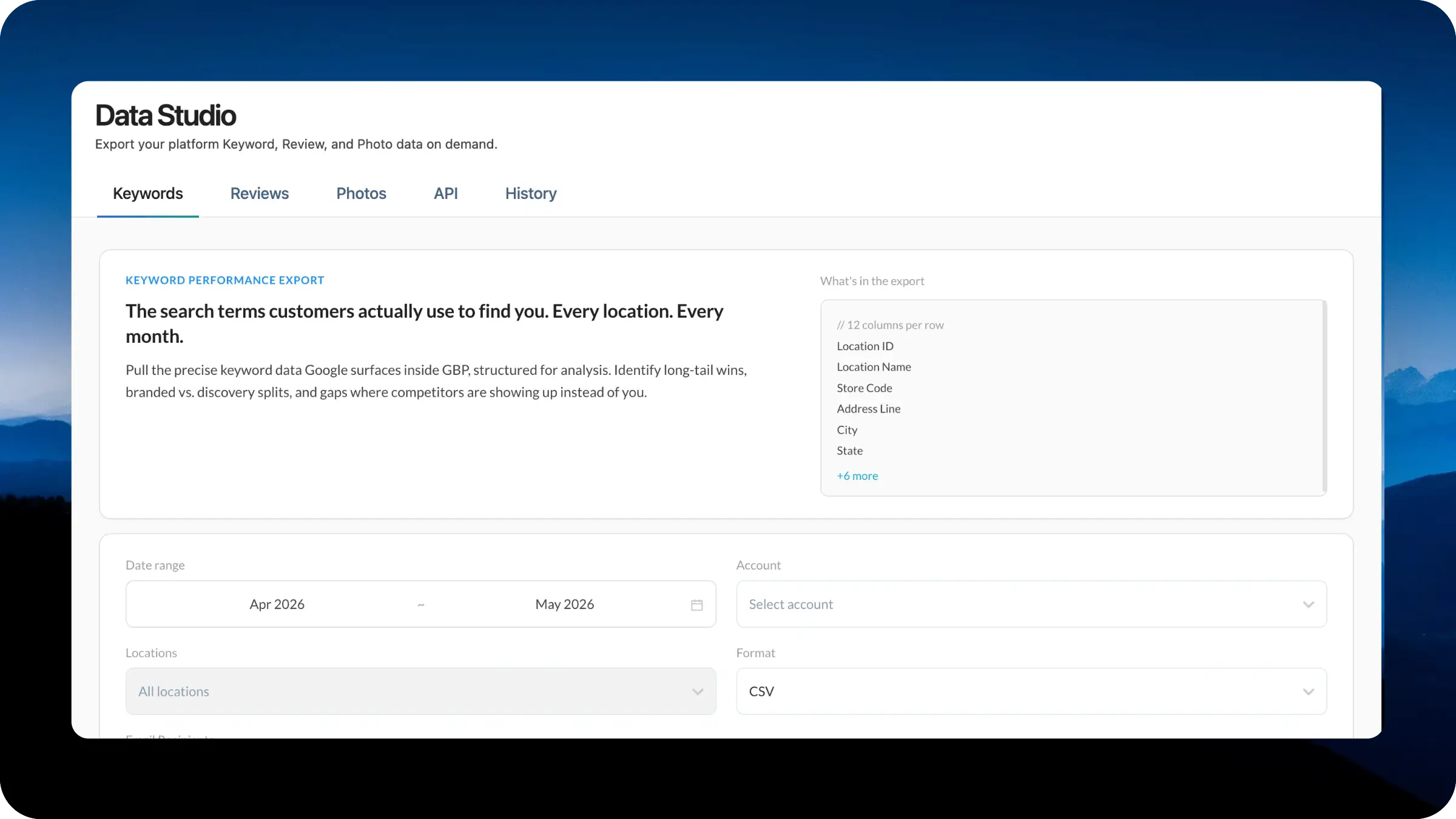
Data Studio is now live as a dedicated workspace for getting your LocalClarity data out of the platform and into the hands of your analysts, BI tools, and downstream systems. Generate on-demand exports of Local Keywords, Review & Responses, and Public & Brand photos, manage your API credentials, and review the history of past downloads, all from an updated interface.
As LocalClarity has added more data across reviews, keywords, photos, listings, and performance reporting, getting that information out of the platform has become just as important as viewing it inside the platform.
Analysts may need raw keyword data for local SEO research. Customer experience team may need review exports for sentiment analysis. BI teams may need structured files or API access to combine LocalClarity data with internal reporting. Operations team may need a record of who pulled what, when, and for which locations. The Data Studio brings those paths together in one place.
Data Studio lives at the top of the platform as a dedicated section with five tabs:
For each export, you set a date range, scope to All Locations or a specific subset, choose CSV or the format that fits your downstream tool, and add email recipients. Larger reports run asynchronously in 10 to 15 minutes and arrive in the recipient's inbox when ready, so you do not need to keep the tab open.
Data Studio is the foundation for treating data portability as a first-class part of the LocalClarity platform rather than a side request. The same LocalClarity2.0 principle applies here as in Filter Composer and Navigation Control: the surfaces you depend on most should be the ones you have direct control over. This section will also be the home for the upcoming MCP update for the API.


