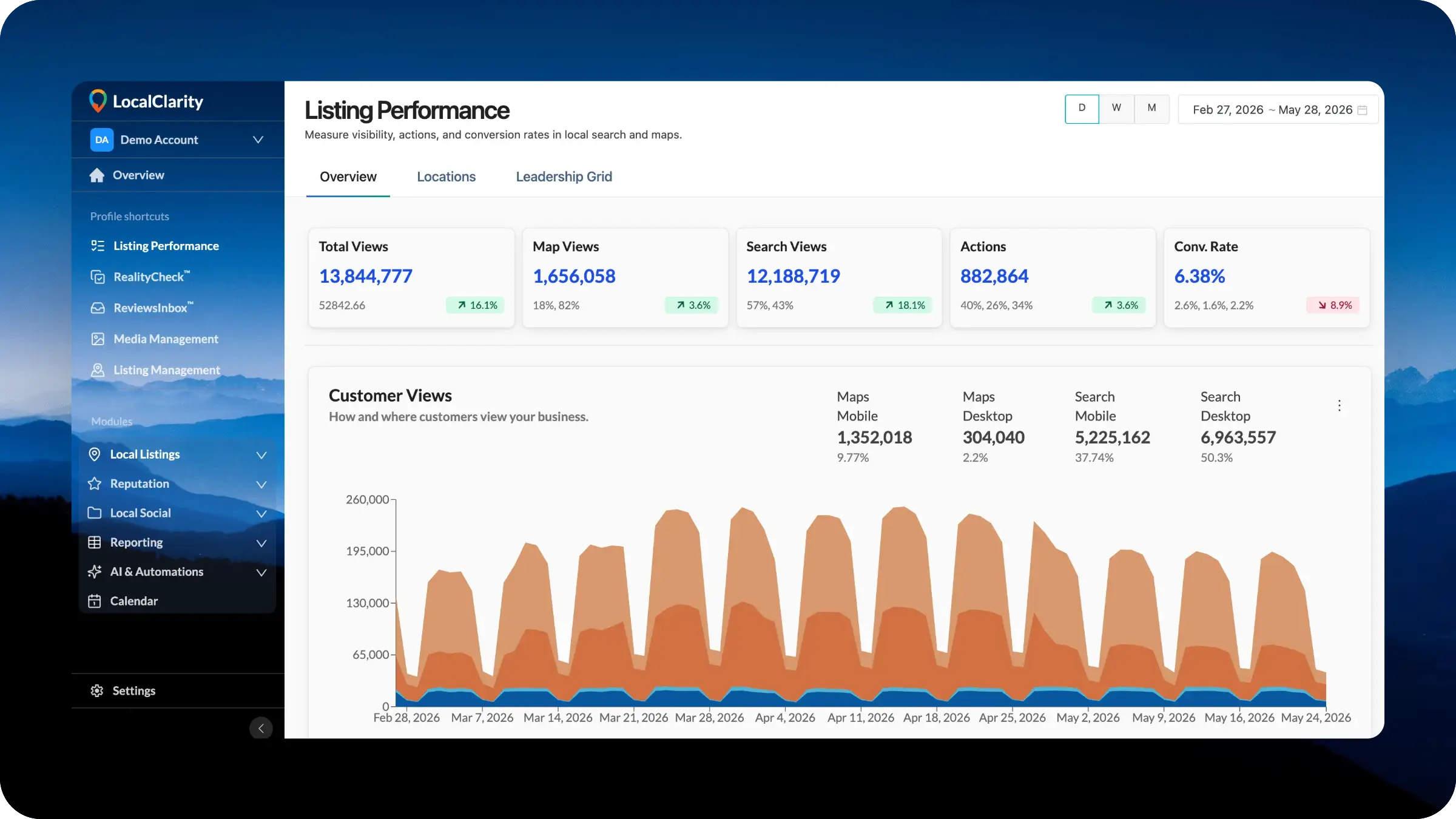
The left navigation is the spine of LocalClarity. Every workflow, from responding to a review, to auditing a listing, to pulling a performance report, to launching an AI agent, begins here with just one click. This release recenters workflows around how multi-location teams actually work. Six clearly defined modules now organize the full platform. A dedicated Profile Shortcuts section puts the most-used tools one tap away and users have direct control to hide, reorder, and arrange their navigation to match their own workflow. One interface, structured the way you think.
LocalClarity has steadily expanded functionality across listings, reputation, search, social, reporting, and now a rapidly advancing suite of AI and automation capabilities. As the platform's capability set grows, the navigation needs to grow with it. A structure that served the platform at one stage of its evolution is not necessarily the structure that serves it at the next.
The new left navigation is built for where LocalClarity is now and where it is going. Six clearly defined modules give every current and future capability a logical home.
Six Modules to Organize Everything
The full LocalClarity platform is now grouped under six top-level modules, each representing a distinct domain of local marketing work:
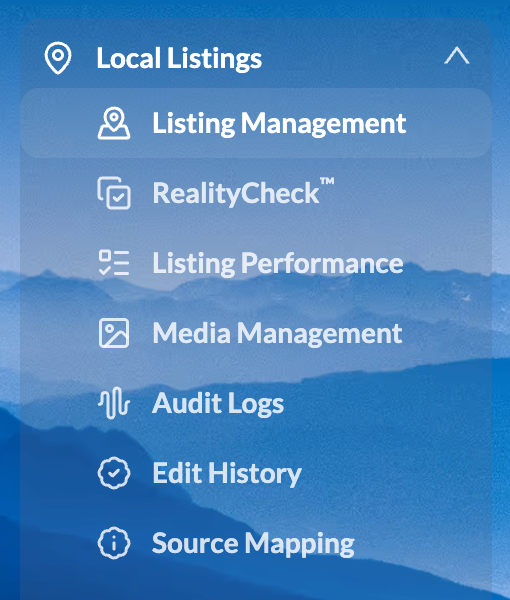
Local Listings — manage the your source of truth for location data across the maps and local search
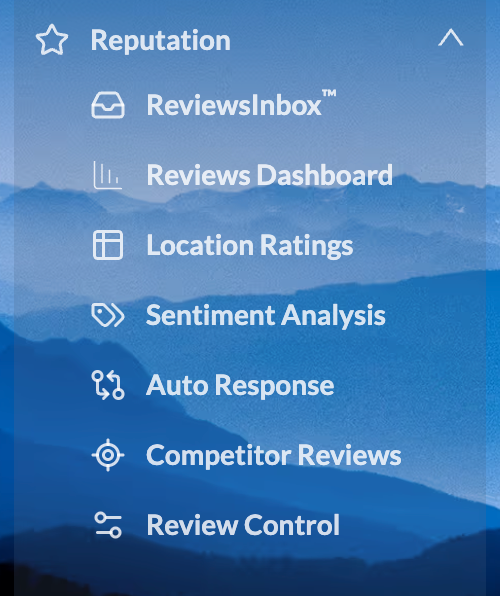
Reputation — reviews, responses, and sentiment across every location
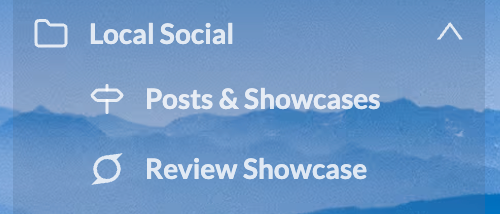
Local Social — local posts and your on-page review showcases
Reporting — performance data and exportable reporting across the platform

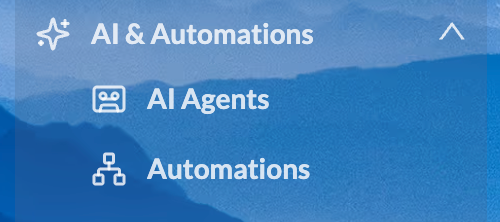
AI & Automations — the growing suite of AI-driven capabilities, including Lia, Signal Suite, and scheduled agents
Calendar - control updates and visualize workflows over time
Every feature in LocalClarity now lives inside one of these six modules, including the tools to set preferences. Future capabilities will slot into this existing structure rather than added as another top-level item. The navigation stays clean as the platform grows.
Shortcuts - Above the module list, a dedicated Shortcuts section automatically shows the page links used in each session. Users can reorder or remove each shortcuts match their exact preferences (just hover to see the control). The new navigation is not a fixed structure but instead a personal workspace to be configured once and respected every session after.
What's New - New functionality or updated pages will be called out to make it easier to explore recent platform enhancements. sers can also reorder the short to match their own unique workflow. A reputation-focused team can bring Reputation to the top while a team that lives in reporting can collapse everything else.
The new left navigation is the foundation for how LocalClarity will continue to scale. Upcoming work extends this structure in three directions: role-based default layouts so new users land in a navigation already shaped for their job function, deeper module-level customization including pinned sub-items and saved views, and tighter integration between AI, Automations, and all other modules so agents can be launched directly from the workflows they support.


