
How do I get my ProfileID?
Finding Profile IDs: Access via Profiles tab dropdown menu
To find your profile ID, navigate to the Profiles tab and locate the card for which you want to gather the Profile ID. Click on the three dots in the top right corner of the card to open a dropdown menu, then select "Profile Details."

On the Profile Details page, you will see the Profile ID.
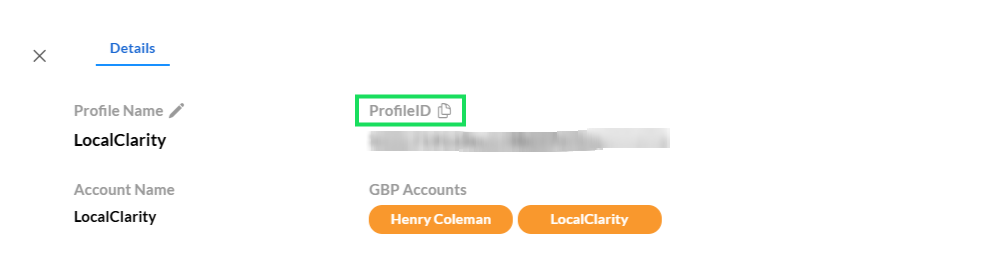
Click the copy icon next to it to copy the Profile ID to your clipboard for use.


